Bullet Types
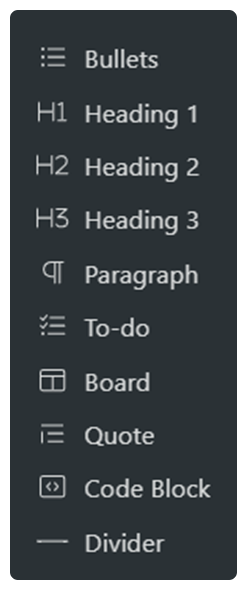
There are multiple types of bullets in Workflowy, from regular headings to code blocks and to-do lists.
Paragraphs and headings
You can select any bullet to turn it into a paragraph or a heading by selecting the text and picking your option from the pop-up menu.
Code Blocks
To create a code block into your Workflowy, simply type in 3 backticks on a blank bullet.
Inline code
You can transform any piece of text into the code format by highlighting it and pressing Cmd/Ctrl + Shift + C.
Quote blocks
To create a quote block, simply type “>” and press the spacebar.
To-do lists
To create a to-do list, highlight multiple bullets and select “To-do” from the pop-up menu.
Notes
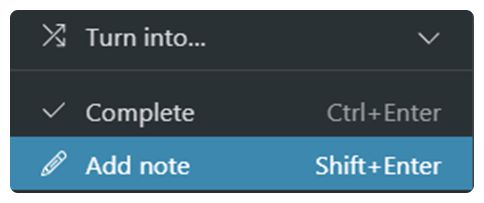
To create a note under a bullet, simply hover over the target bullet and select “Add note” from the menu.