Font Types
Workflowy offers two font groups to support readability and customization: Free fonts and Pro fonts. You can change your font at any time from your user settings.
Free Fonts
- Sans-serif: A clean, modern style with uniform strokes. Good for general use and high readability.
- Serif: A traditional style with small decorative strokes. Ideal for long-form reading.
- Typewriter: A monospaced font that mimics classic typewriters. Useful for code snippets or technical notes.
- Open Dyslexic: A specialized font designed to reduce reading errors for people with dyslexia.
Pro Fonts
- Terminal: A monospaced font optimized for command-line look and feel. Offers clear character distinction.
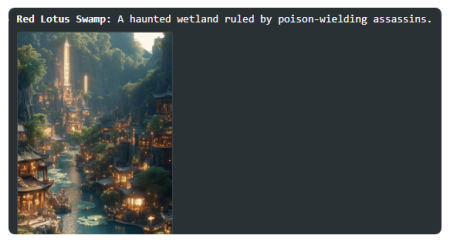
- Light: A thin-stroke font that creates an airy, minimalist layout. Best in well-lit settings.
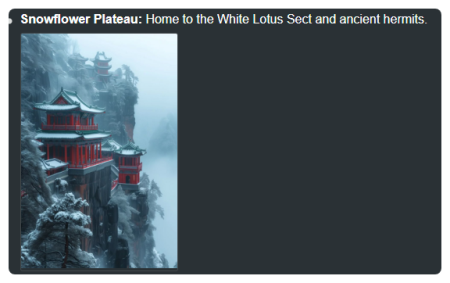
- Interface: A versatile font designed for user interfaces. Balances clarity at small sizes with a modern aesthetic.
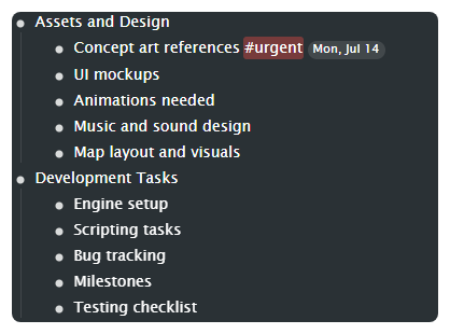
Change Your Font
- Click the three dots (...) in the top-right corner.
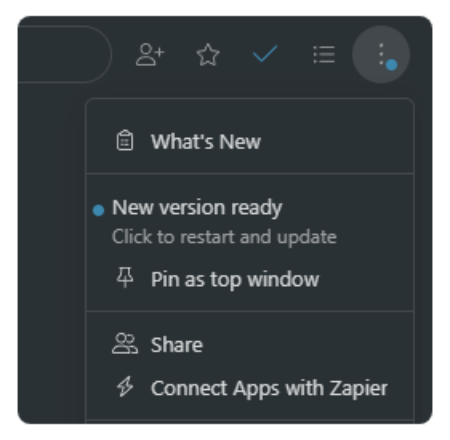
- Select Settings & preferences.
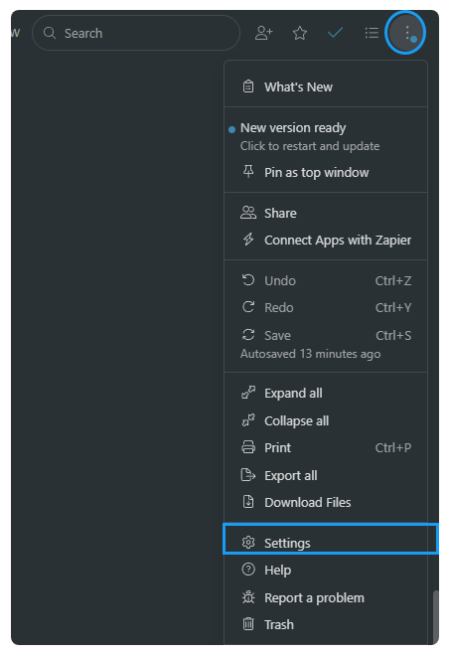
- In Appearance, open the Font menu.
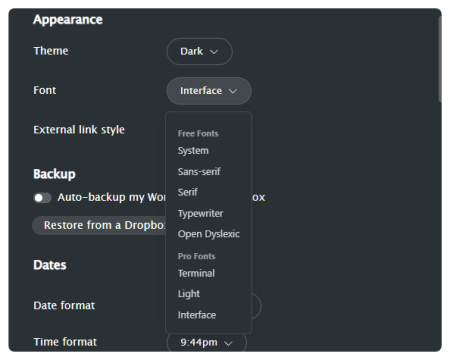
- Choose any free font or, if you have Pro access, select a Pro font.
Your font applies immediately.
Tip: Use Sans-serif or Interface for everyday workflows, especially if you switch between devices or screen sizes.
Need more information?
Contact usWorkflowyUser Guide1.22025info@workflowy.com